Your people, in view.
Characters represent Activity visitors and people in accessible voice rooms. Speaking rings and self-set availability help you read the space.
AvailableBusyAway
 Moot World
For the raid party. The study group. The friends who are always in voice. Give the people already there a place to be together.
In private testing · public access is coming later
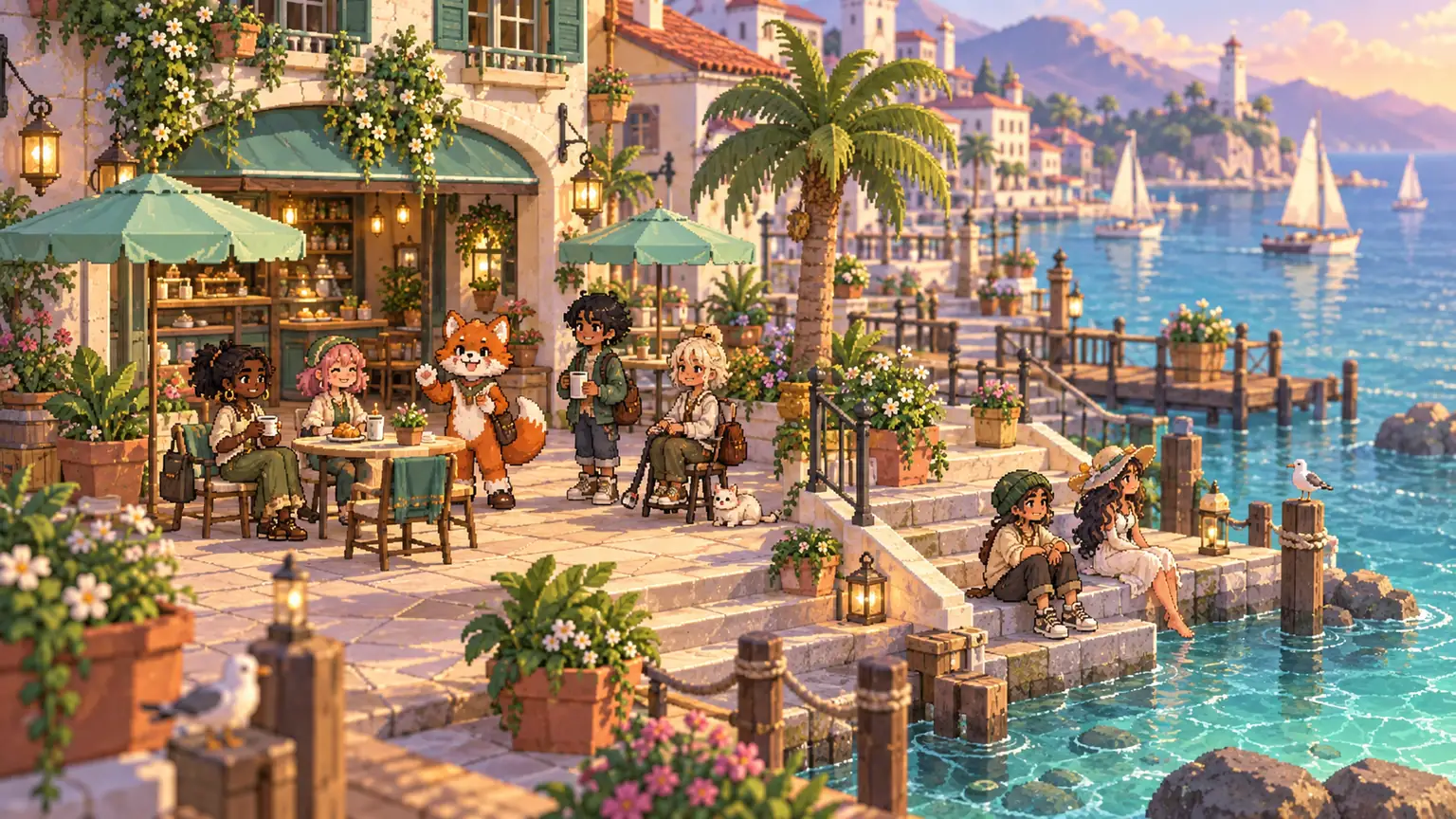
See who’s around. Find a quiet desk or a busy room. Build a space that feels like the people in it. Discord carries the conversation; Moot gives it a setting.
Characters represent Activity visitors and people in accessible voice rooms. Speaking rings and self-set availability help you read the space.
Design your character, preview outfits, build furniture and shape shared spaces. Pixel studios and a block builder are already in the test build.
Link lounges, gardens and other realms with portals. Explore freely, then choose Join voice when you want to change your call.
Walking, rooms and voiceCozy is one possibility. There’s room for neon, starships, fantasy, fandom and whatever you make next. These are concept directions for Moot’s planned modes.
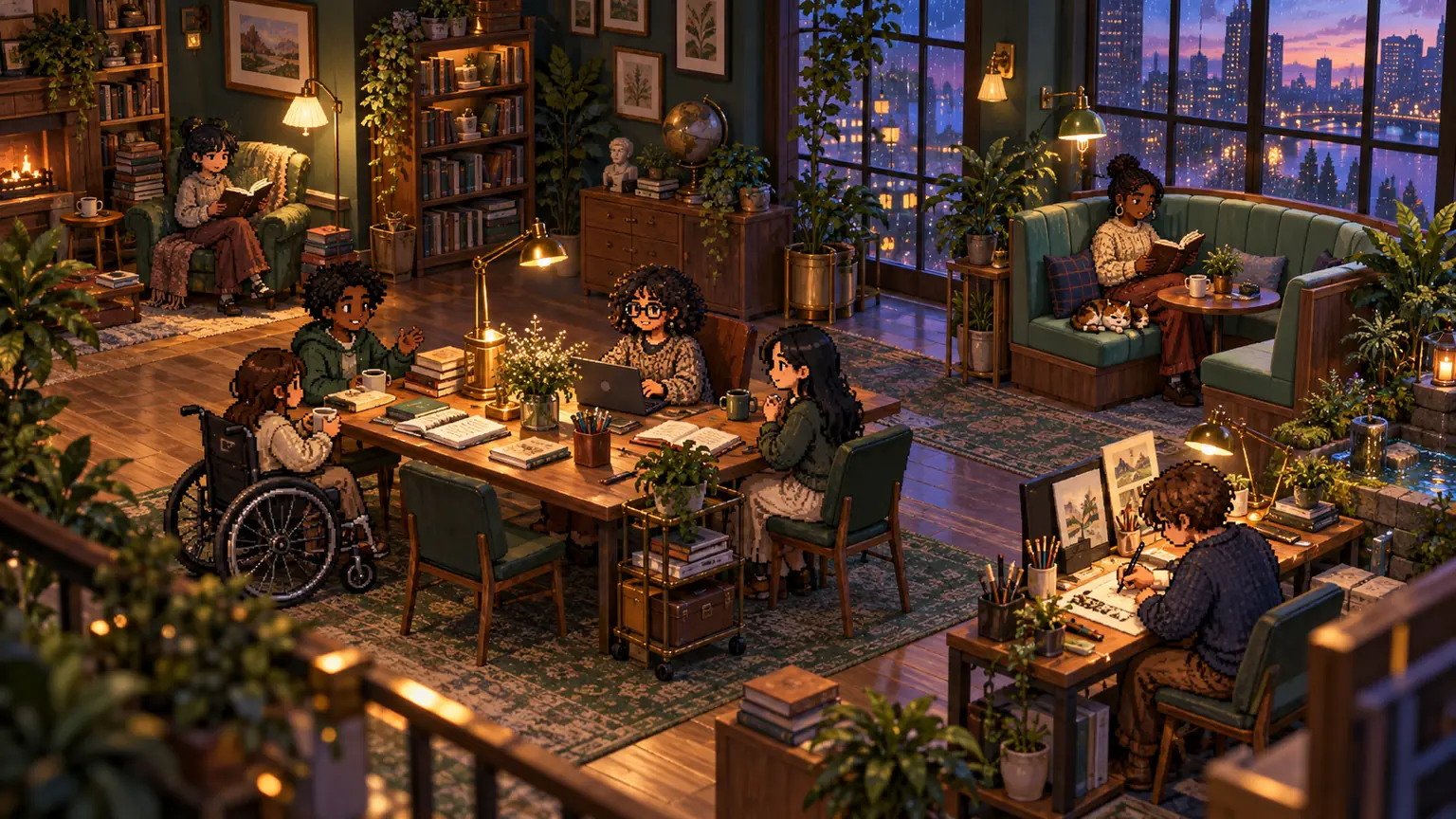
Outfits, furniture, tiles, entire little worlds. Create in the private test build today. A free, reviewed public creations library is planned for the site and inside Discord.
Explore the creative toolsNo. Moot runs as a Discord Activity with a companion bot. Discord carries the calls, and members use Moot inside Discord.
Walking, sitting and portals change your character’s location. Your call changes only when you use Discord’s native controls or deliberately choose Join voice in Moot.
The current integration can show camera-on status. Camera feeds stay in Discord’s native video view because the published Activity APIs do not expose those feeds to Moot.
Audio follows real Discord voice channels. The current Activity integration does not offer independent distance-based audio. Being near a character does not connect or expose a call.

